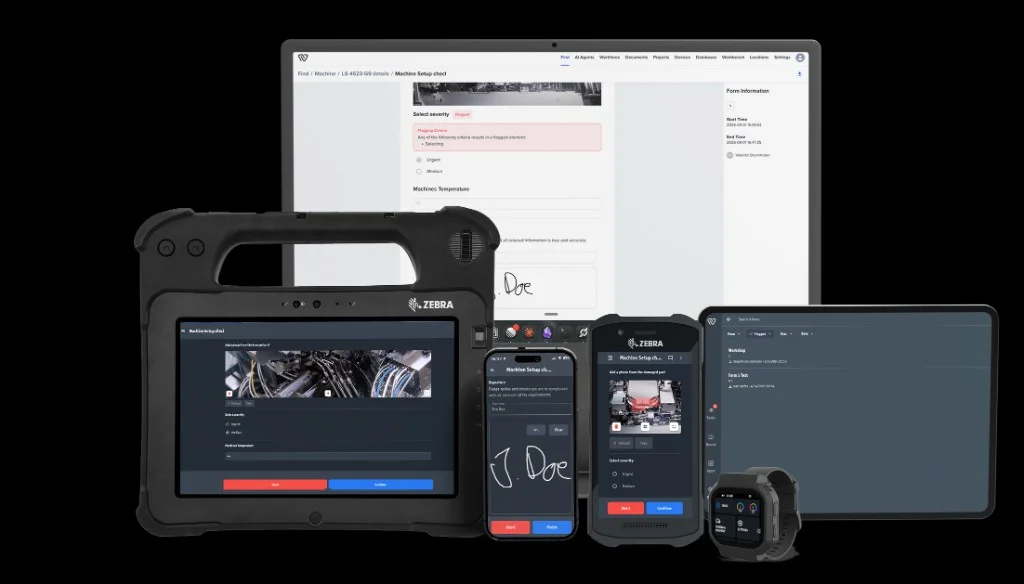
Turn any shopfloor checklist into a digital record
Replace paper forms, Excel sheets and disconnected checklists with structured digital checks that operators can complete on phone, tablet or shared terminal.
Running on shop floors at


Six patterns
What do you need the checklist to do?
A checklist can simply create a record. Or it can become part of the operational process.
Confirm
Simple completion
Inspect
Condition or quality decision
Measure
Values and tolerances
Document
Traceable execution record
Initiate
Schedule, usage or process trigger
React
Task, escalation or follow-up
Start with one. Add more only where it creates value.
Did we do it?
The simplest checklist does one job: confirm that required work happened.
Typical examples:
- cleaning completed
- safety guard installed
- workstation checked
- material prepared
- shift handover completed
- maintenance routine performed
Inputs can stay simple:
- done
- yes / no
- pass / fail
- selection
- comment
- cleaning
- safety
- routine maintenance
- handovers
- standard checks

Workstation check
Station 12 · Shift B
- CleaningDone
- Guard installedYes
- ResultPass
Is it okay?
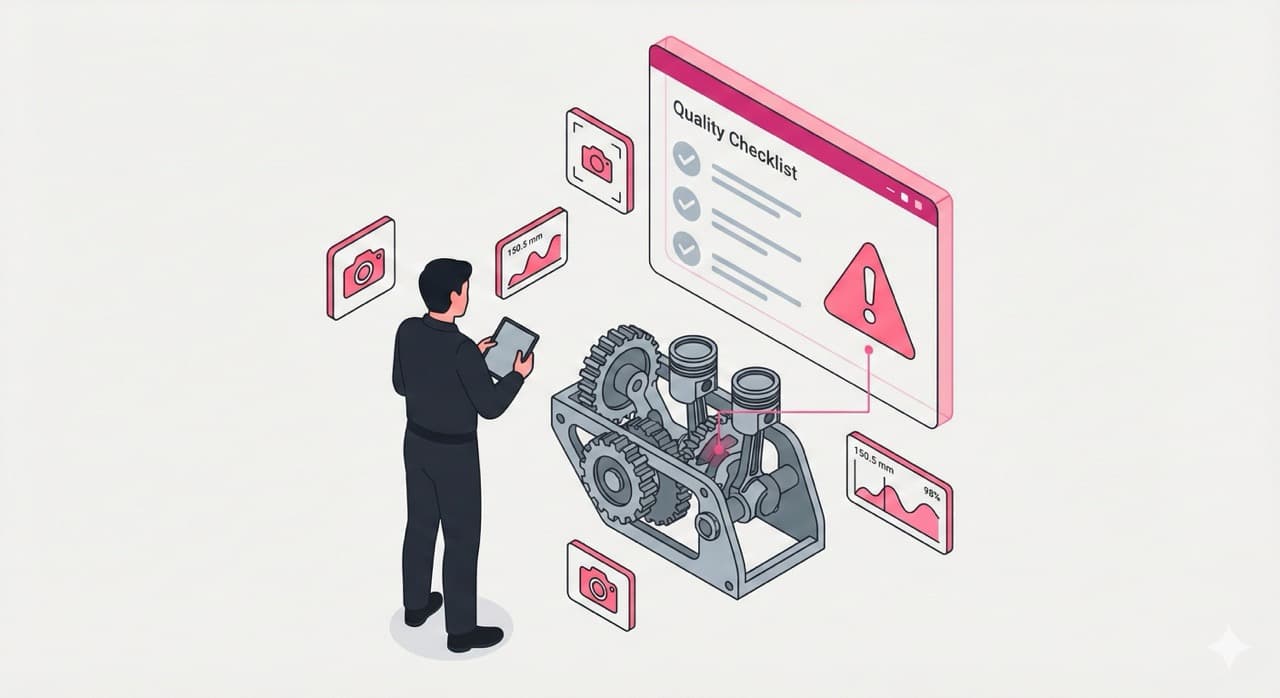
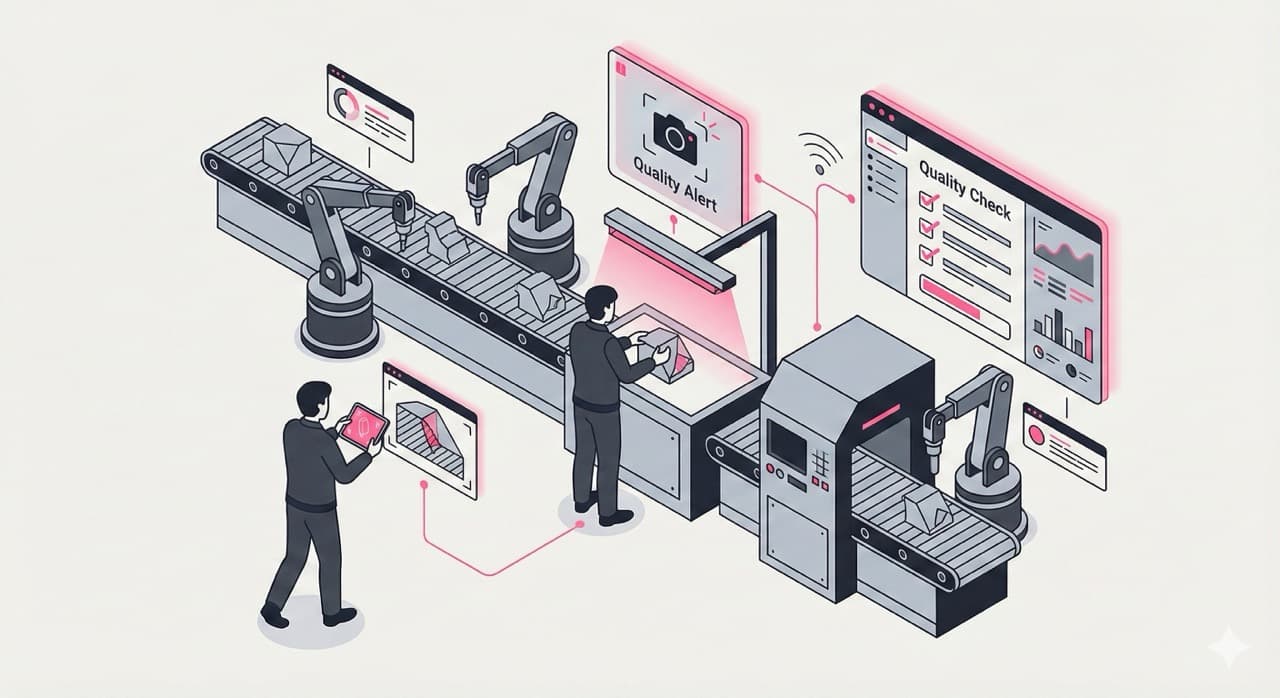
Inspections capture a decision about the condition of a product, asset or process.
Use inspections for:
- quality checks
- incoming inspection
- maintenance inspection
- safety inspection
- layered process audits
- gemba checks
A checklist is not only a list of completed tasks. It can capture the decision made at the point of work.

Seal condition
Incoming · Order 8231
- DecisionOK
- PhotoCaptured
- CommentAdded
Is it within spec?
Capture production values directly where they are measured.
Typical inputs include:
- torque
- temperature
- pressure
- thickness
- weight
- dimensions
- process parameters
- quality
- changeover
- maintenance
- assembly
- process checks
Can we prove it?
The checklist is only half the job.
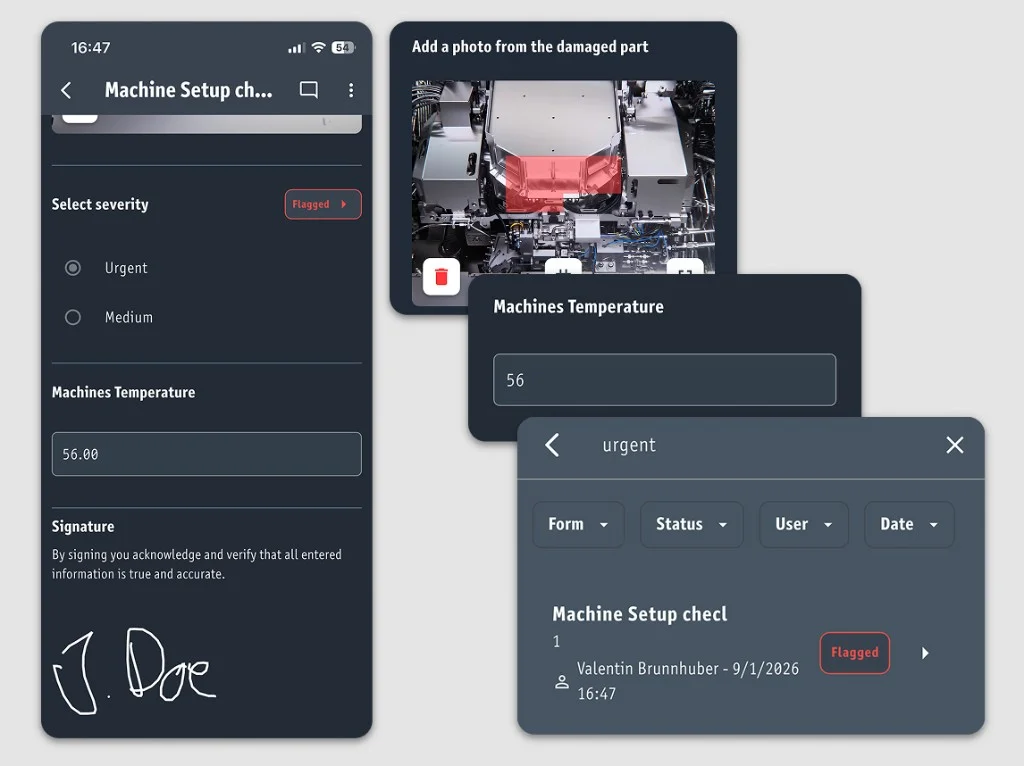
Every completed check creates a structured execution record.
Depending on the process, that record can include:
- operator
- timestamp
- checklist revision
- machine / asset
- product / serial number
- order
- measurements
- photos
- signatures
- comments
- deviations
- completed steps
Every checklist result becomes an audit-ready record.

Execution record
Machine 23 · Order 8231
- OperatorShift B
- Revisionv4
- SignatureSigned
The record should outlive the screen it was captured on.
Workerbase stores checklist results so they can be used later for audits, customer requests, investigations and operational analysis.
Examples:
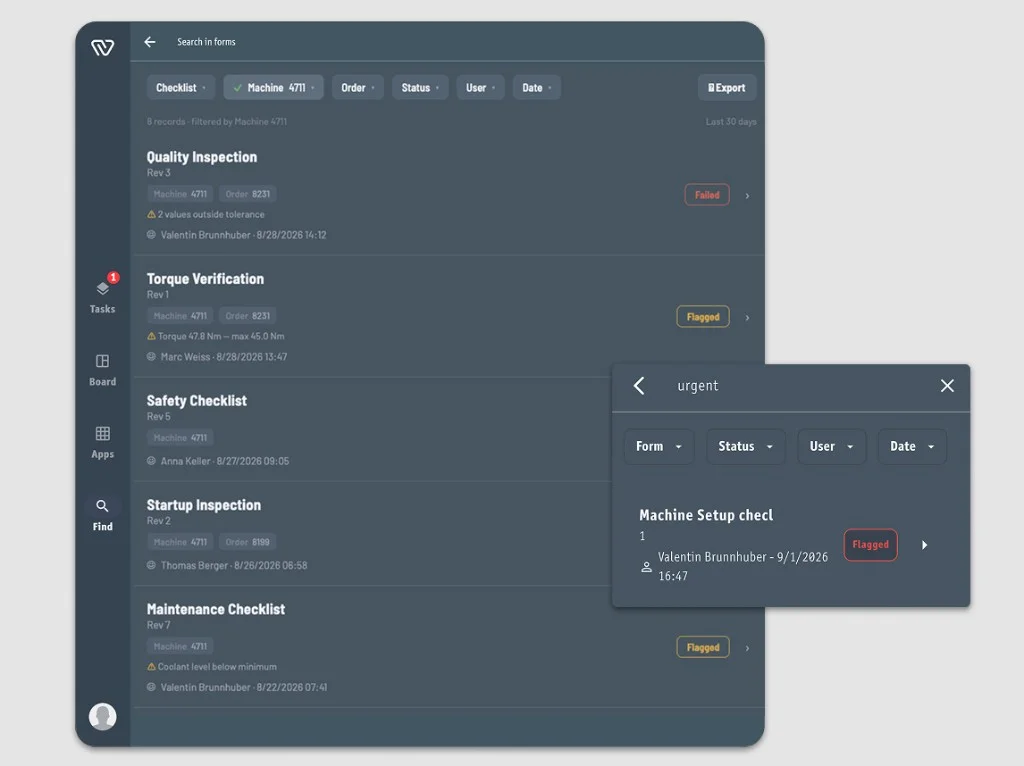
- searchable
- filterable
- sortable
- traceable
- exportable
- Show all failed checks for Machine 4711.
- Show all inspections for Order 8231.
- Which operator completed this check?
- Which checklist revision was used?
- Which values were outside tolerance?
- Show every inspection from last month.
- Export the full history for an audit.
The execution record stays connected to the operational context it came from.
From paper checklist to live execution
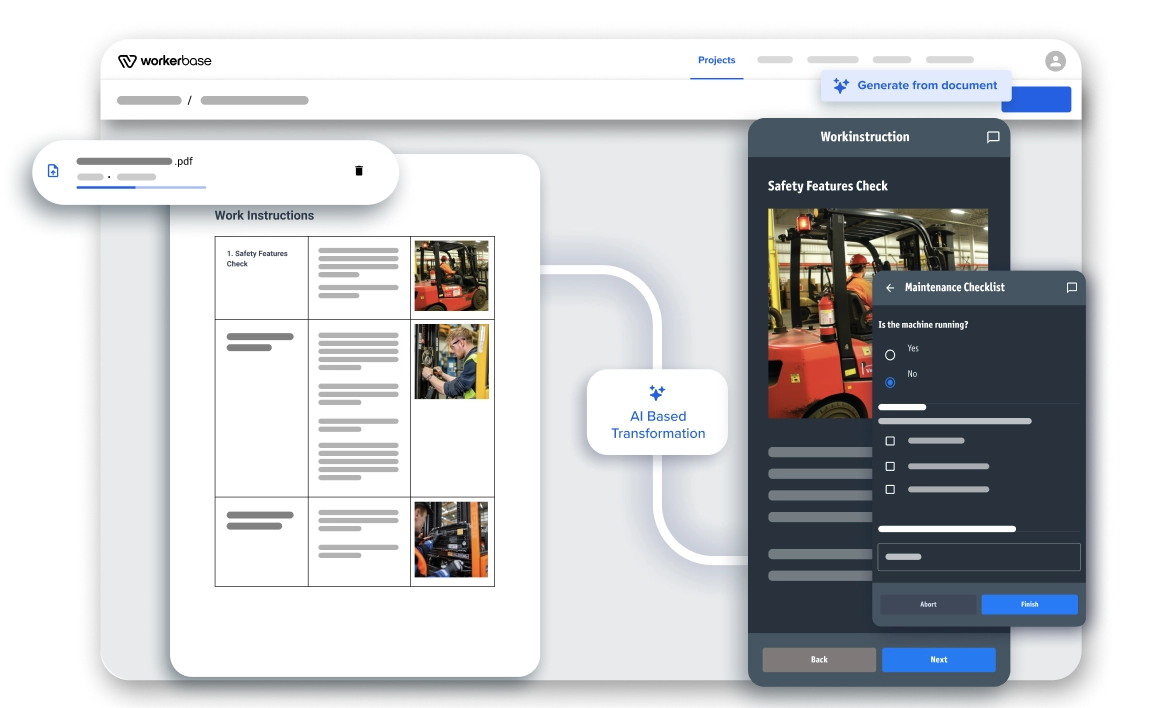
Start with what you already have.
- 1. Paper / PDF / Excel
- 2. Digital checklist
- 3. Structured execution record
Existing forms can become digital checks without turning the whole surrounding process into a Workerbase workflow.
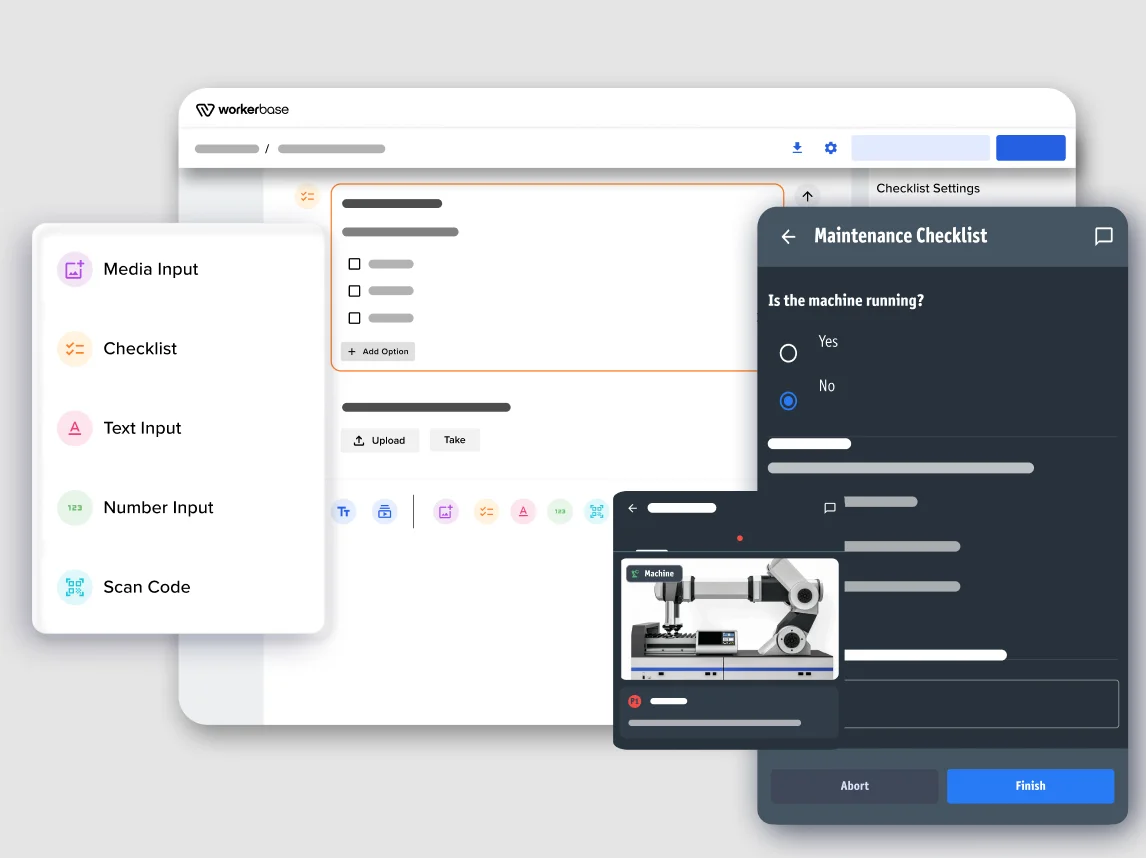
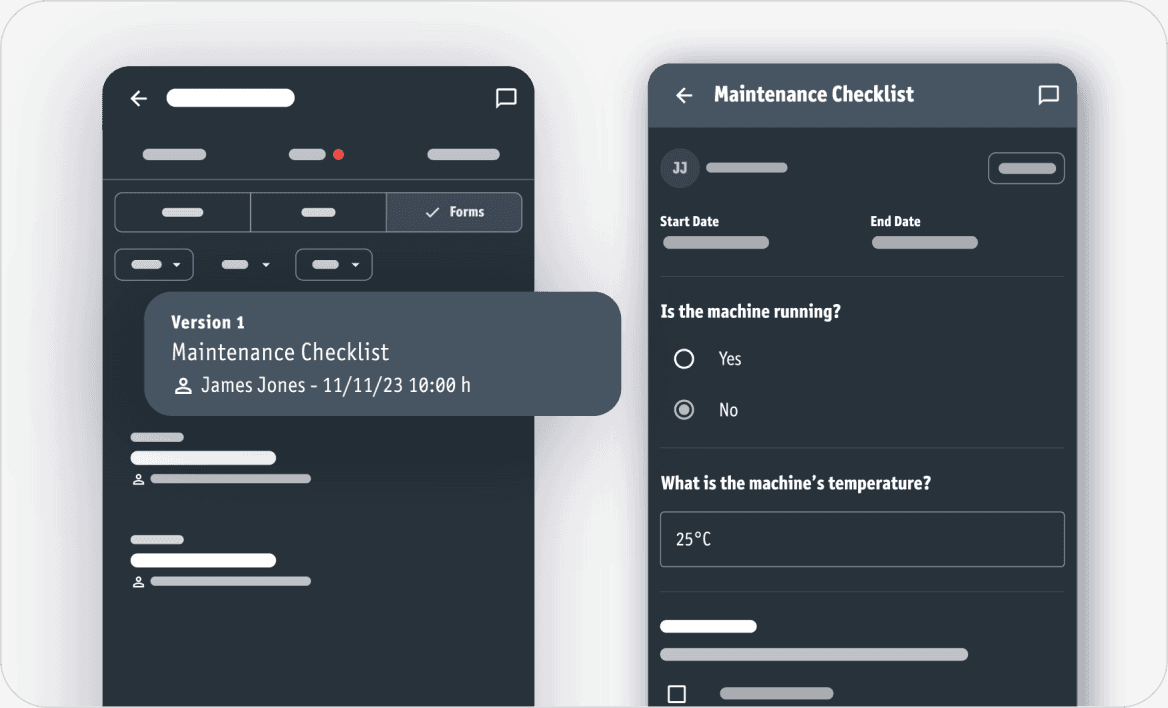
Create and maintain checks for the shopfloor without a software-development project.
Typical elements include:
- yes / no
- checkbox
- selection
- numeric input
- tolerance
- text
- photo
- signature
- barcode / QR scan
- required fields
- conditional questions
Pressure measurement
Required · Unit: bar
- TypeNumber
- RequiredYes
- Unitbar
- Minimum2.8
- Maximum3.5
- If outsideFailed
Initiate
When does this check need to happen?
A checklist does not need to wait in a library until someone remembers it. Workerbase can initiate work based on time, usage or operational state.
Time-based
Every Monday, 06:00 -> weekly safety inspection.
- every shift
- daily
- weekly
- monthly
Usage-based
Machine reaches 500 operating hours -> maintenance inspection becomes due.
- operating hours
- production quantity
- cycles
- batches
Event or state-based
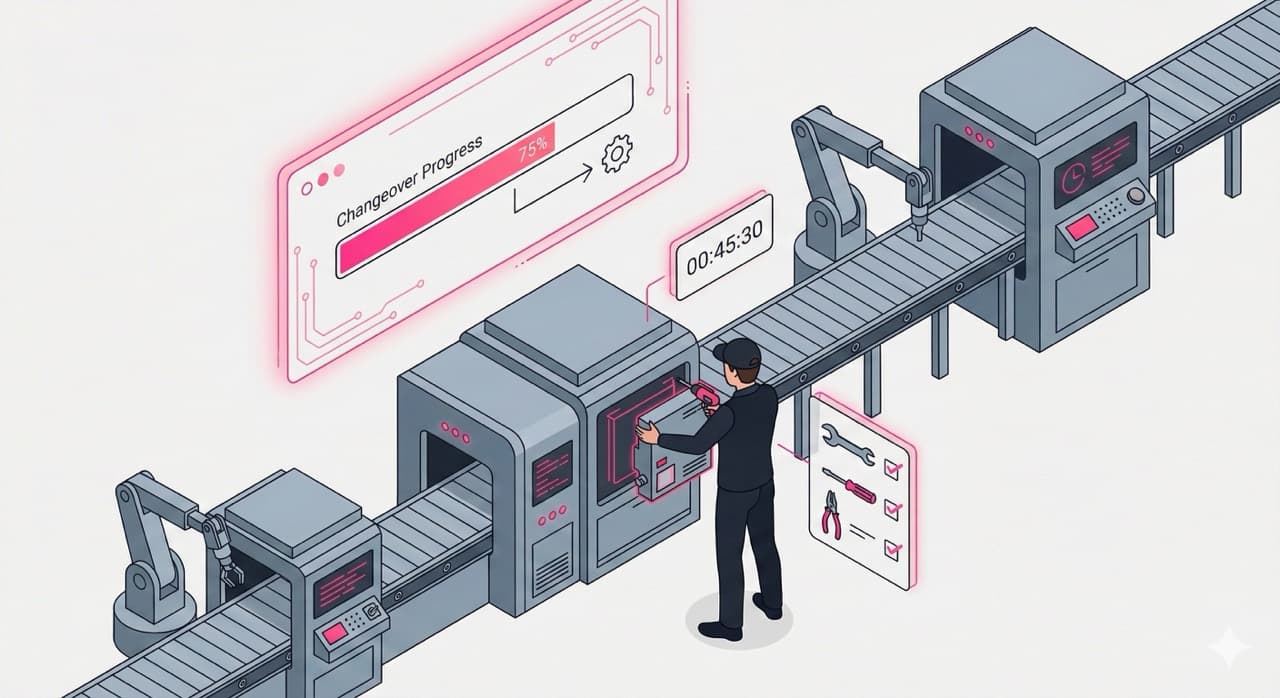
Changeover completed -> start first-piece inspection.
- order reaches a station
- maintenance task completes
- machine changes state
- production restarts
- quality event occurs
What happens when something fails?
A checklist can stop at the record.
Or the result can trigger the next action.
Other actions can include:
- ask additional questions
- require a photo
- block completion
- create a task
- notify someone
- escalate
- branch into rework
- write the result back to another system
React tells Workerbase what to do with the result.
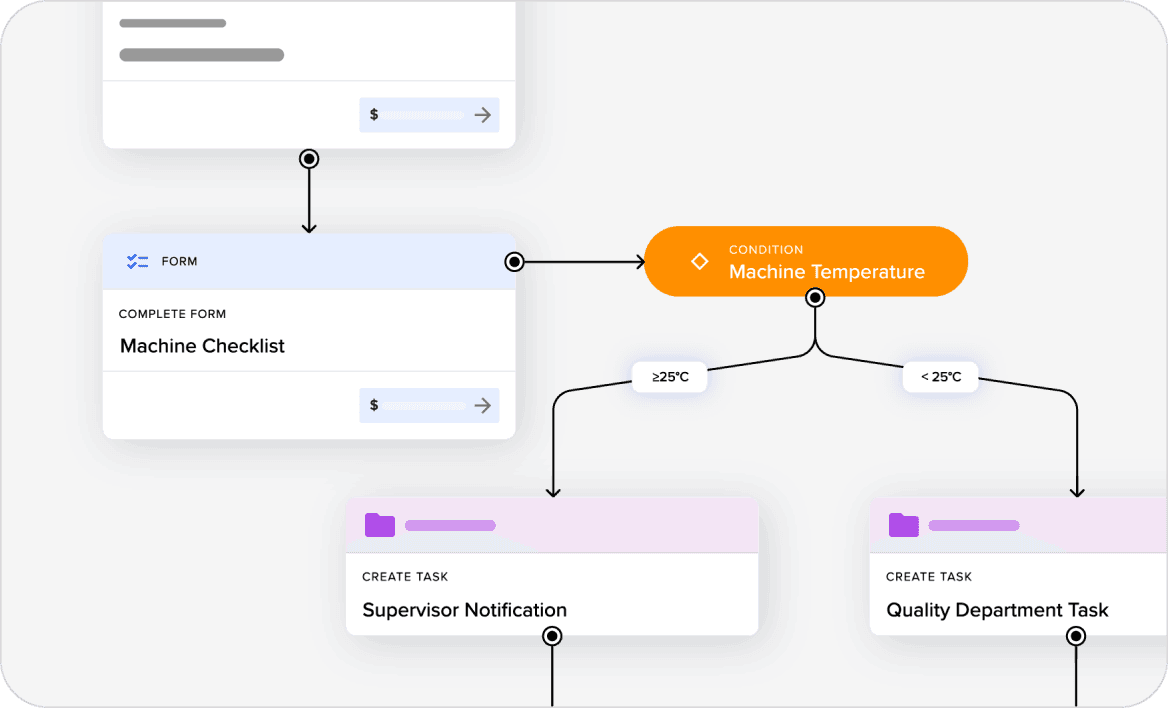
Thickness
Maximum 3.5 mm
- Value3.6 mm
- ResultFail
- NextQuality task
From standalone checklist to connected execution
Standalone
- Operator opens checklist
- Complete the check
- Create execution record
- Search and export later
Connected
- Workerbase initiates it
- Product / asset / order context is loaded
- Failure triggers the next action
- Results can be written back
Every checklist belongs to operational context
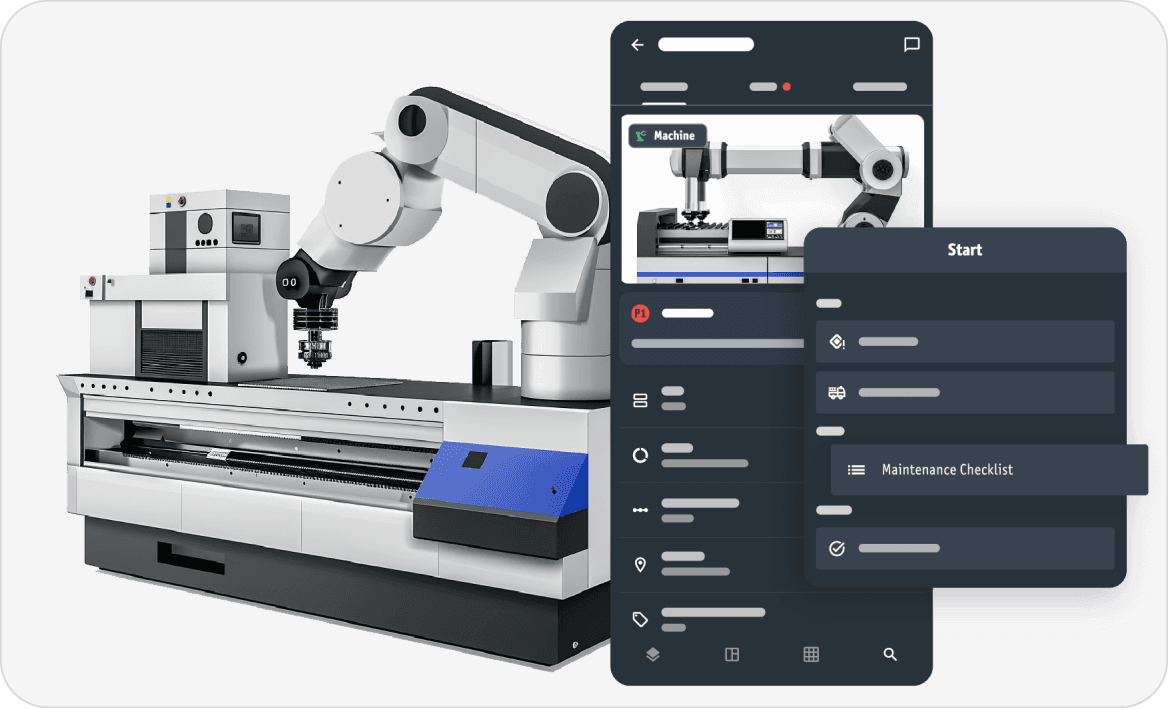
A checklist is more useful when the record says what it belongs to. Workerbase can associate execution with context such as:
Instead of
Inspection 471
You get
Inspection 471 · Machine 23 · Order 8231 · Shift B
Break the process into the right checks, at the right point in execution.
A paper traveler or production record may contain:
- product and order data
- inspections
- serial numbers
- approvals
- calculations
- order / product / serial
- assembly step
- measurement
- visual inspection
- photo evidence
- 4-eye approval
- final release
Digitizing all of that as one long form creates the same problems as paper, only on a screen. Each person sees only what is relevant now. The complete execution history is assembled in the background.
Small forms during execution. Complete record afterwards.
Shopfloor checklists
Common shopfloor checklist use cases
Confirm
Cleaning
Confirm required cleaning steps and evidence.

Confirm + Document
Safety checks
Verify conditions before work starts and retain the audit trail.
Use the systems that already know the context
That context can determine:
which checklist is needed · when it becomes due · what product or asset it belongs to · who should receive it · what happens after completion
FAQ
Bring us one real checklist
Paper. PDF. Excel. Existing digital form.
We will show you what it becomes in Workerbase: from simple digital capture to automated initiation and follow-up.